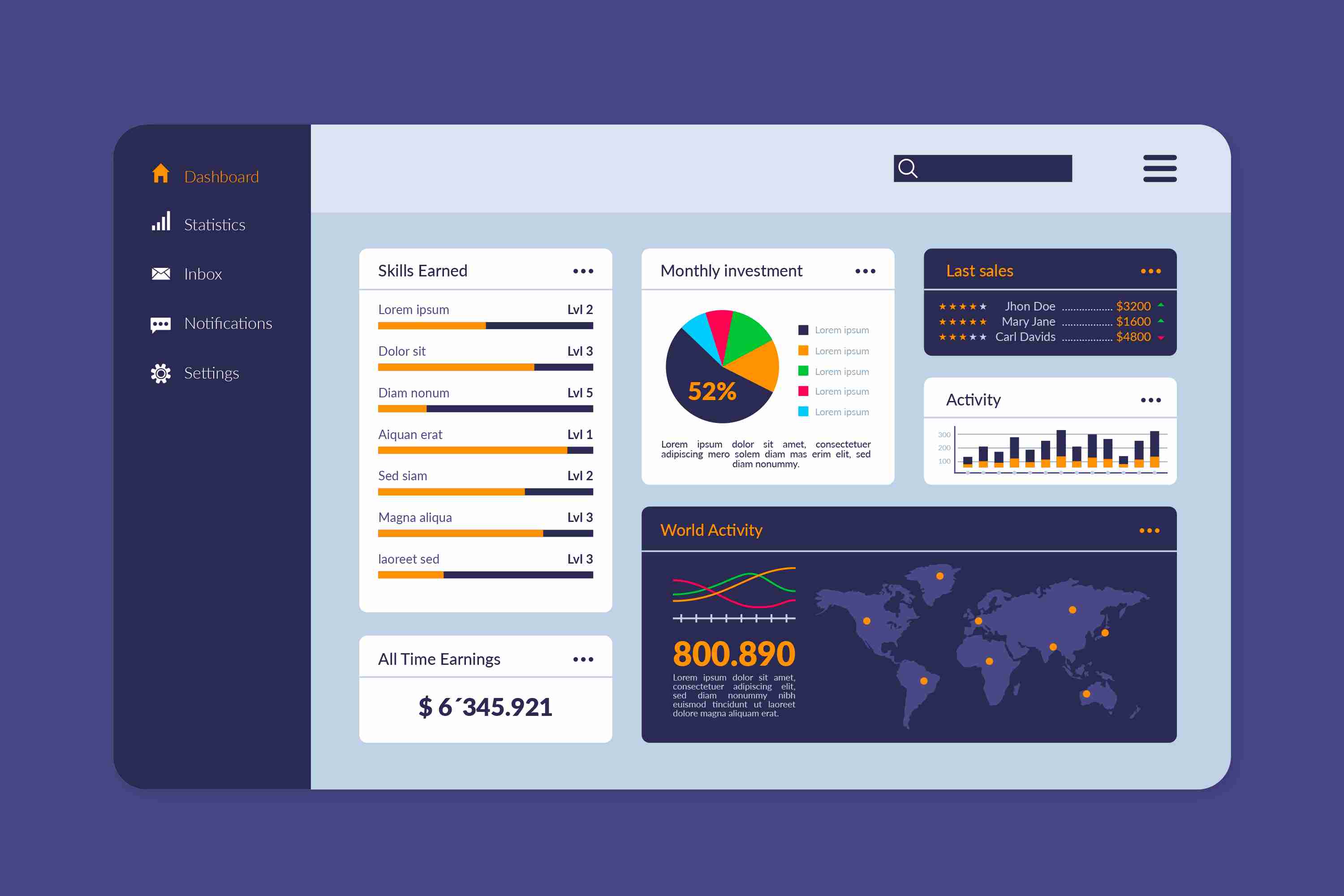
**Power BI Finance Dashboard — A Smarter Way to Manage Your Financial Data**
In today’s fast-moving business environment, finance teams cannot rely on slow, manual reporting methods. Data is coming in from multiple places—accounting software, sales systems, spreadsheets, and operational tools—making it difficult to maintain clarity. This is where a Power BI Finance Dashboard becomes a powerful asset. It gives you a single, intelligent view of your entire financial landscape, updated in real time and designed to simplify the way you analyze and manage financial performance.
**What Is a Power BI Finance Dashboard?**
A Power BI Finance Dashboard is an interactive financial reporting solution that turns raw financial data into visual insights. Instead of scrolling through endless sheets or handling duplicate files, you get a beautifully organized set of charts, graphs, KPI cards, and summaries that reflect your business’s financial health. The dashboard gathers data from various sources and refreshes automatically, so your numbers are always accurate, always up to date, and always ready for analysis.
It transforms the way finance teams work. You can filter by month, year, department, or project. You can drill down into specific cost centers or compare budget against actual performance in a few clicks. This makes financial reporting not just faster, but a lot more meaningful.
**Why Businesses Need a Finance Dashboard**
**1. Real-Time Visibility**
Finance decisions cannot wait for weekly or monthly reports. With a Power BI dashboard, every important metric—revenue, expenses, cash flow, profitability—updates instantly. If expenses rise unexpectedly or revenue dips, you see it immediately. This real-time awareness allows teams to respond faster and more accurately.
**2. Handles Complex and High-Volume Data**
Spreadsheets become slow or unreliable when the data grows large. Power BI is designed to manage millions of rows smoothly. This makes it ideal for companies with multiple branches, high transaction volumes, or separate business units that need consolidated reporting.
**3. Easier to Understand Through Visuals**
Numbers alone can be overwhelming. The real power of this dashboard lies in its visuals. Charts, graphs, waterfall visuals, trend lines, and KPI cards convert complex data into a story you can understand in seconds. Even non-finance teams understand the insights quickly without needing technical expertise.
**4. Reduces Manual Work and Eliminates Errors**
Traditional reporting often involves manual data consolidation—copying, cleaning, formatting, and verifying. It consumes hours and increases the chances of human error. A Power BI Finance Dashboard automates the entire process. Once the dashboard is set up, your reports refresh automatically, saving time and ensuring consistency.
**5. Improves Collaboration**
Everyone—from senior leadership to finance analysts—sees the same, centralized financial view. There are no conflicting numbers, no outdated files, and no version-control issues. Access can be restricted based on roles, ensuring security while improving transparency and teamwork.
**Key Metrics You Can Track**
A finance dashboard can track a wide range of financial KPIs, including:
* **Revenue and sales performance** across periods
* **Gross and net profit margins**
* **Operating expenses and cost breakdowns**
* **Cash flow—both inflow and outflow trends**
* **Budget vs actual performance**
* **Department-wise or project-wise cost analysis**
* **Overheads, variances, and cost optimization areas**
* **Receivables and payables aging**
These metrics help businesses understand how well they are performing, where money is being spent, and what financial strategies need adjusting.
**Designing an Effective Finance Dashboard**
A good dashboard is more than just visuals; it must be structured with clarity and purpose. Here are key principles:
* **Start with the audience.** A CFO needs a high-level overview, while a finance controller may require deep dive views. Customizing each dashboard for its users improves the value it delivers.
* **Tell a clear financial story.** Start with revenue, follow with expenses, add margins, and conclude with cash flow and trends. A logical flow enhances understanding.
* **Avoid clutter.** Too many visuals create confusion. A clean dashboard with essential KPIs works best. Use drill-downs for detailed exploration.
* **Ensure data quality and security.** Financial data is sensitive. Proper governance and role-based access maintain confidentiality while ensuring accuracy.
**Who Benefits From a Finance Dashboard?**
A Power BI Finance Dashboard benefits businesses of every size:
* **Startups and small businesses** gain clarity on cash flow and cost control.
* **Growing companies** can consolidate multiple data sources and monitor performance across departments.
* **Large enterprises** benefit from multi-entity consolidation, advanced forecasting, and streamlined financial reporting across teams.
Regardless of scale, the dashboard empowers teams to move from reactive reporting to proactive financial planning.
**Conclusion**
A Power BI Finance Dashboard is more than just a reporting tool—it’s a strategic asset. It simplifies financial analysis, reduces workload, improves accuracy, and gives decision-makers a real-time view of financial health. With clear visuals, automated reporting, and interactive insights, finance teams can shift their focus from manual tasks to strategic financial planning.
In an era where data influences every decision, a dynamic, reliable finance dashboard ensures your business stays informed, agile, and ready for growth.
More Info:https://www.knowledgeexcel.com..../power-bi/finance-da